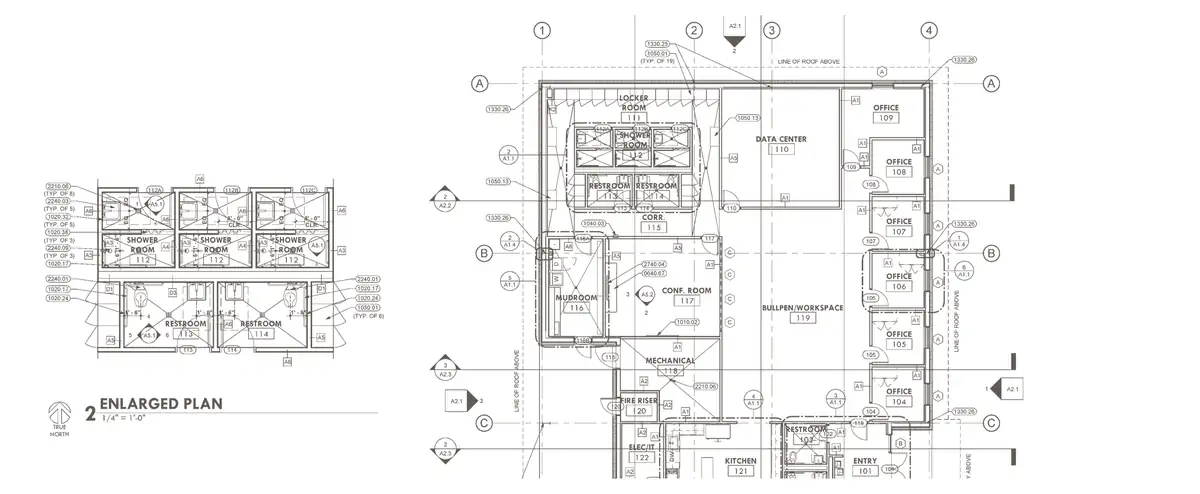
01 · Pair
Match sheets across disciplines.
Plan Review reads each title block and pairs architectural, structural, and MEP sheets for the same area.
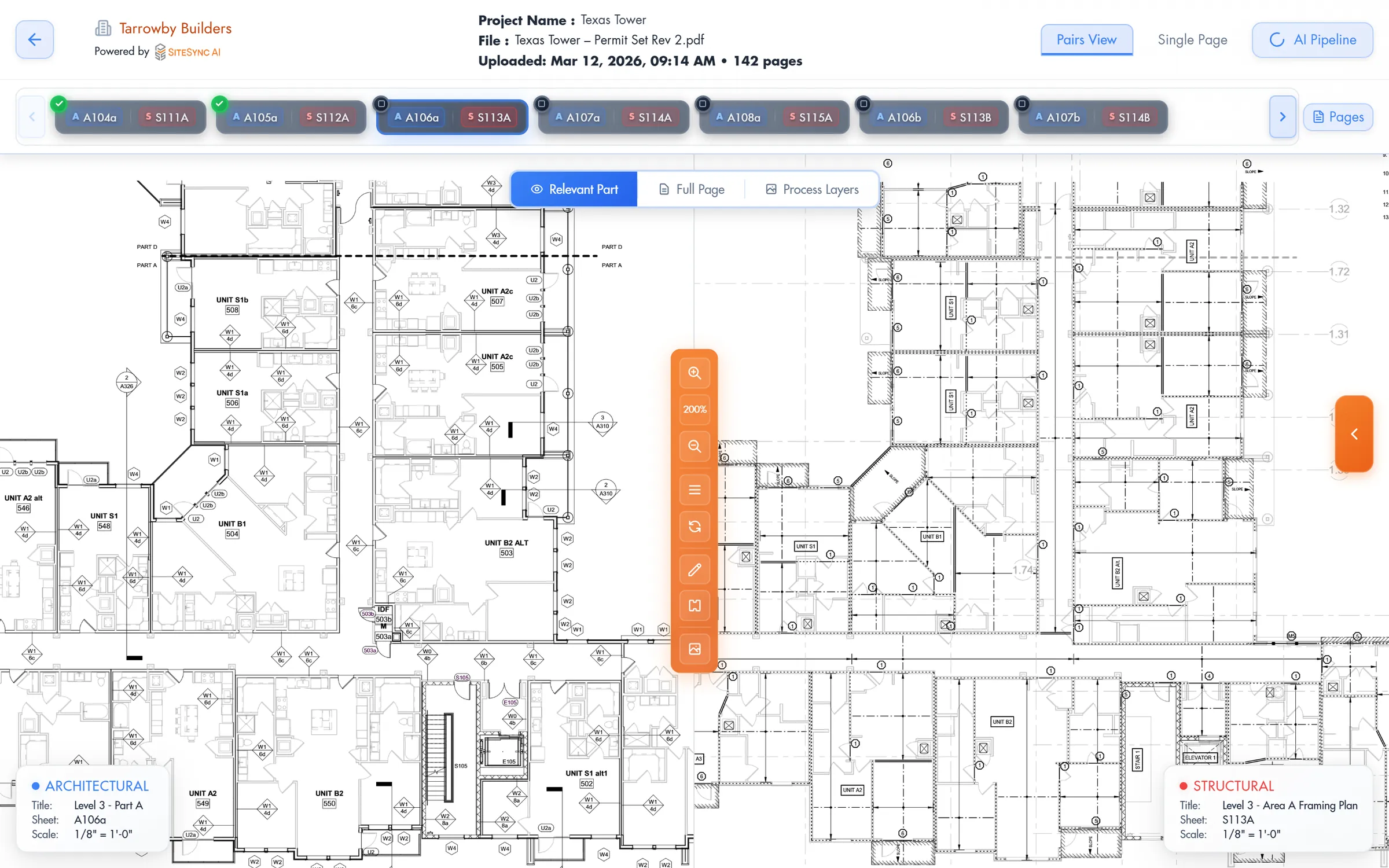


Upload a PDF drawing set. Plan Review compares architectural, structural, and MEP sheets, flags discrepancies, and returns a prioritized issue report.

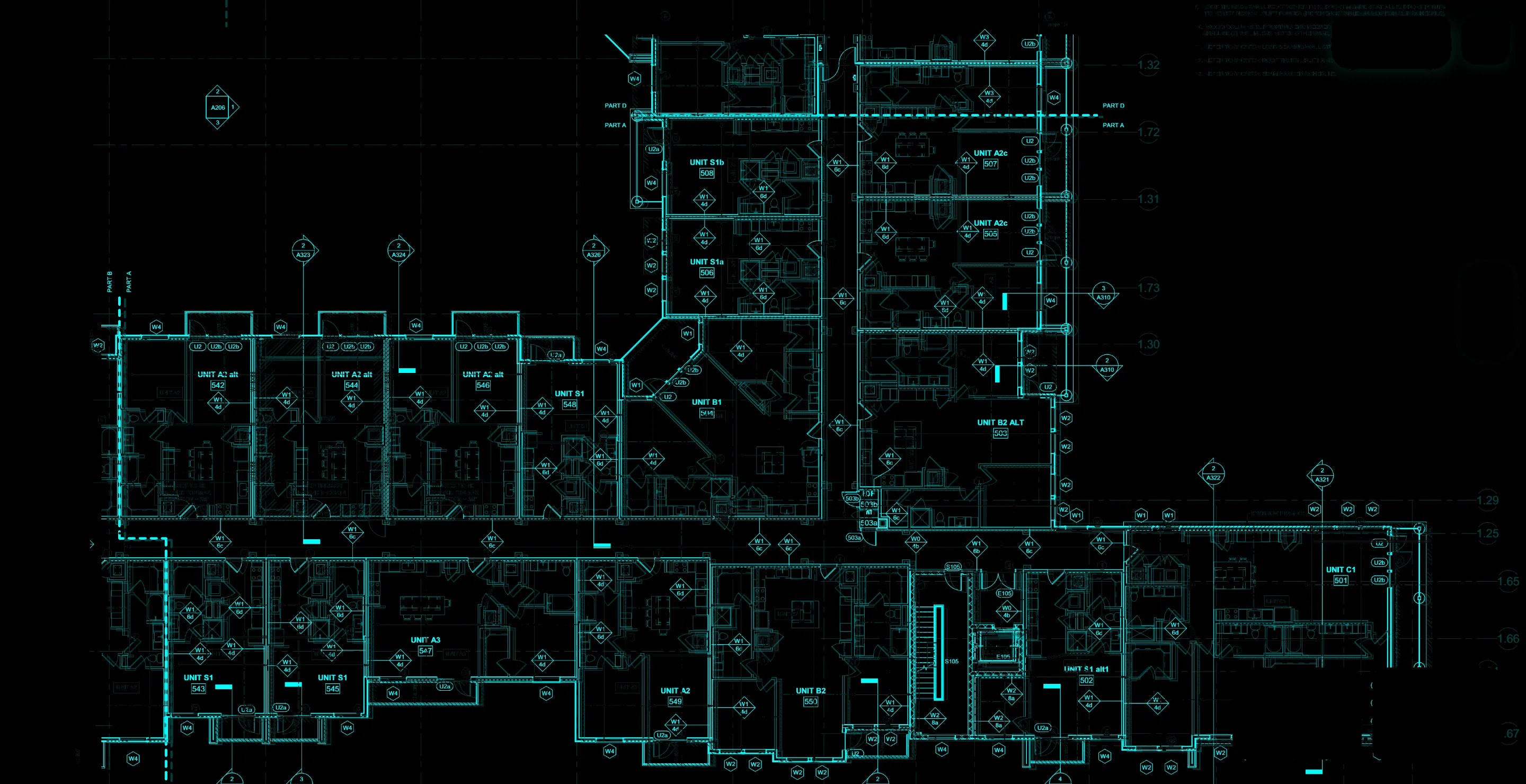
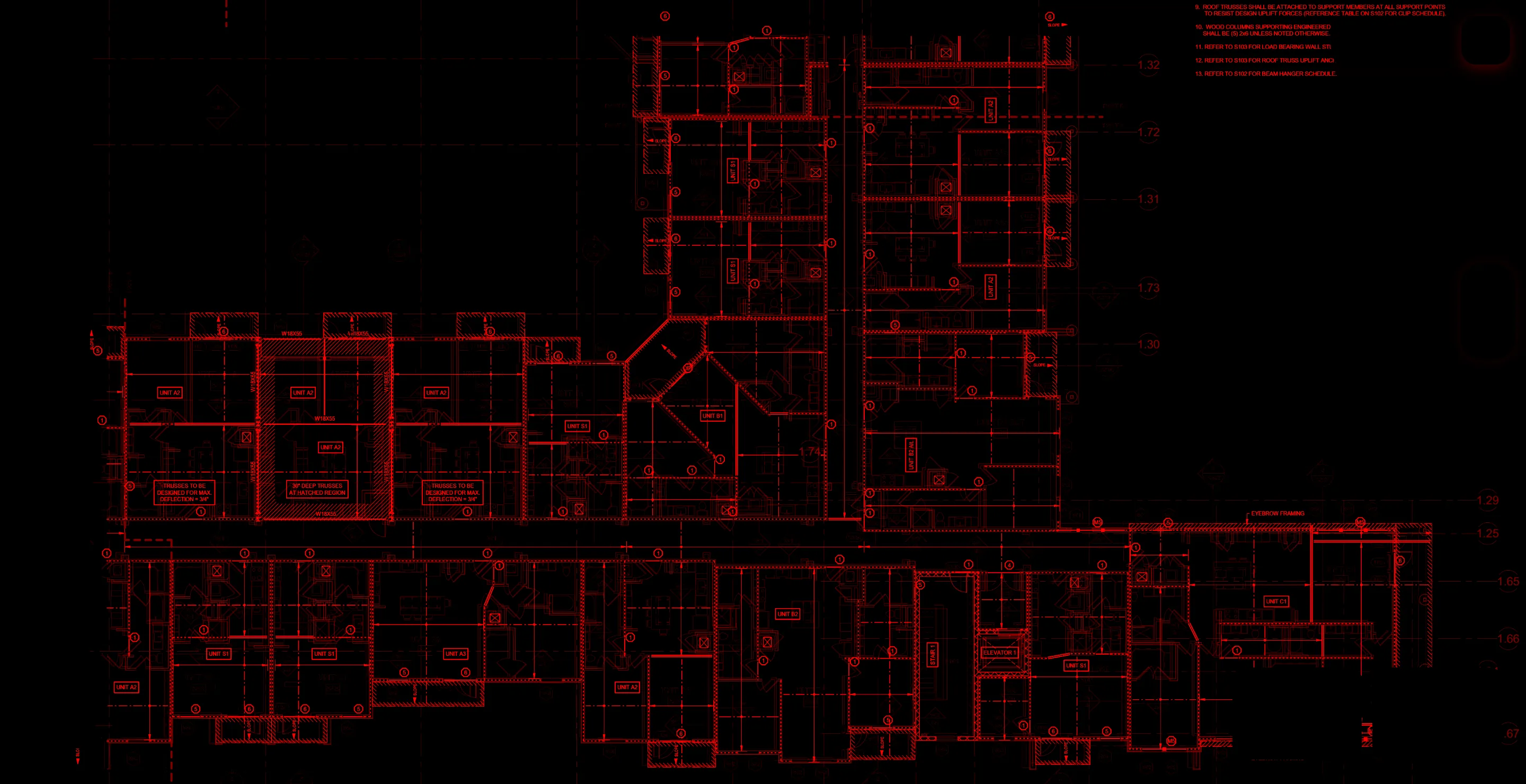




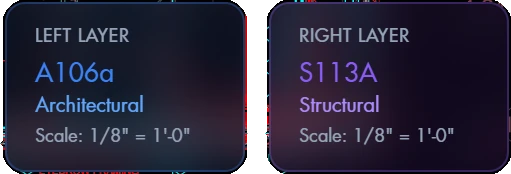
Plan Review compares the sheets. Your team confirms what belongs in the report.
Plan Review reads each title block and pairs architectural, structural, and MEP sheets for the same area.
The AI compares each pair region by region, boxes mismatches on both sheets, and calculates the difference.
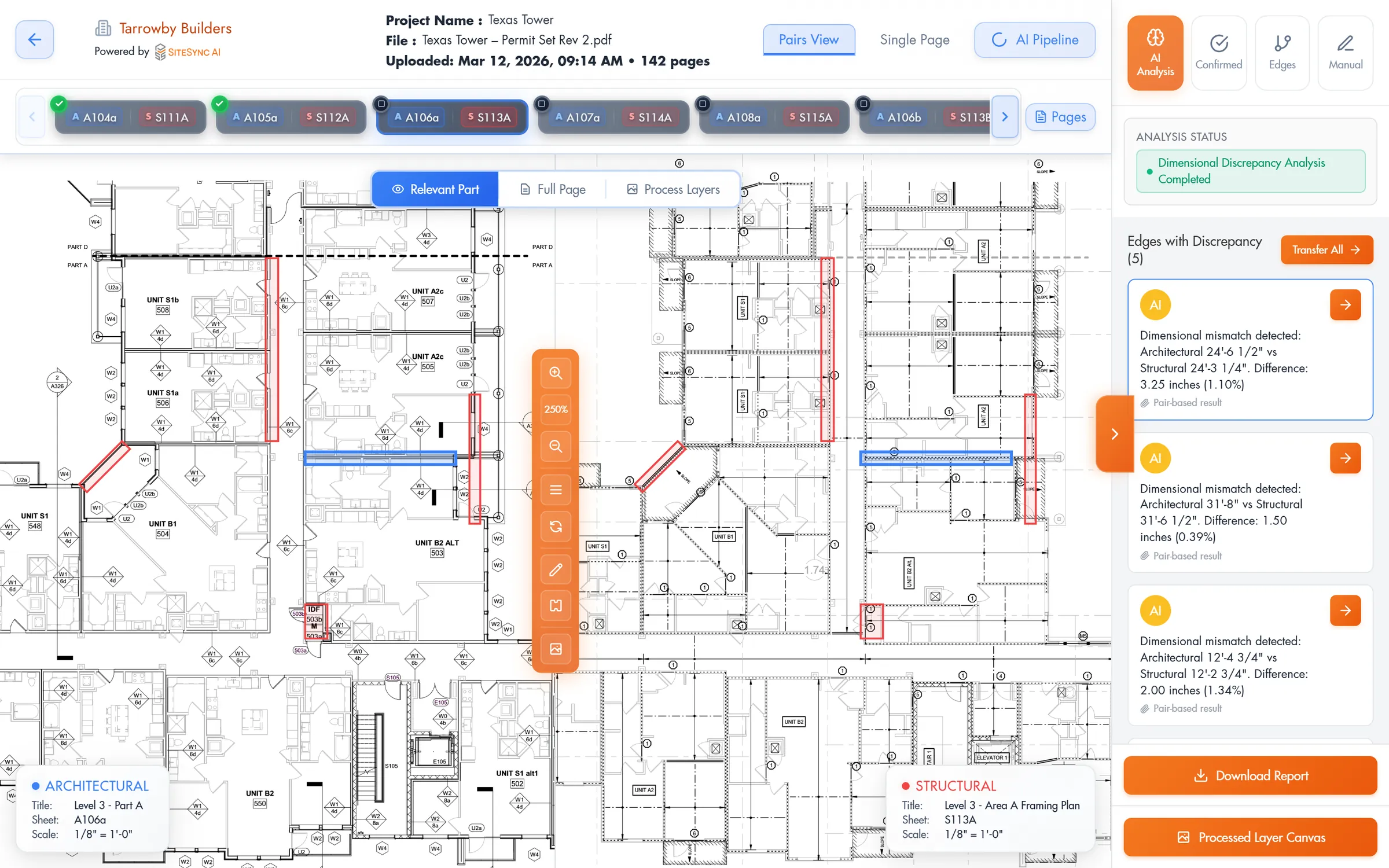
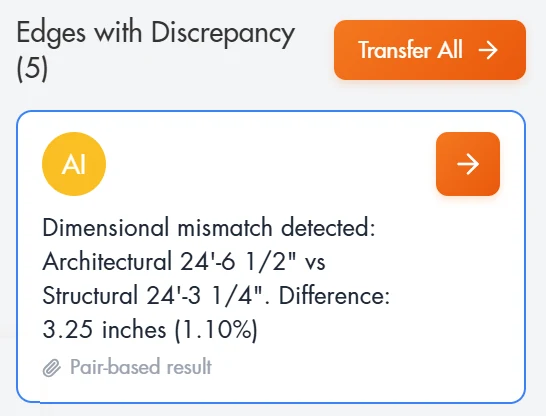
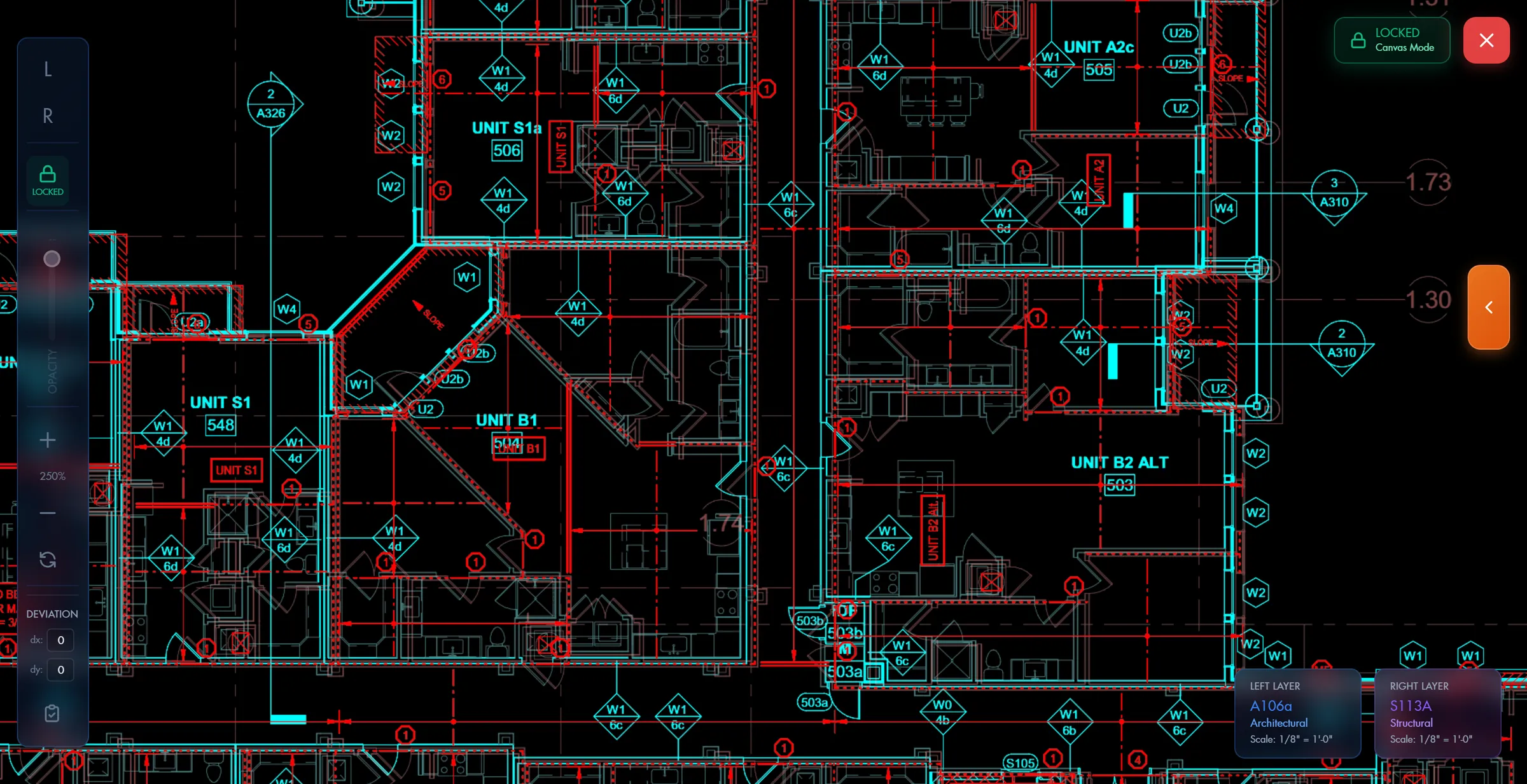
Architectural sheets in cyan, structural sheets in red, aligned automatically. Confirm or dismiss each flag; only confirmed issues enter the report.
Each RFI includes both sheet numbers, dimensions, the difference, and highlighted drawings. Download the report as a PDF, or export to Excel or Procore.
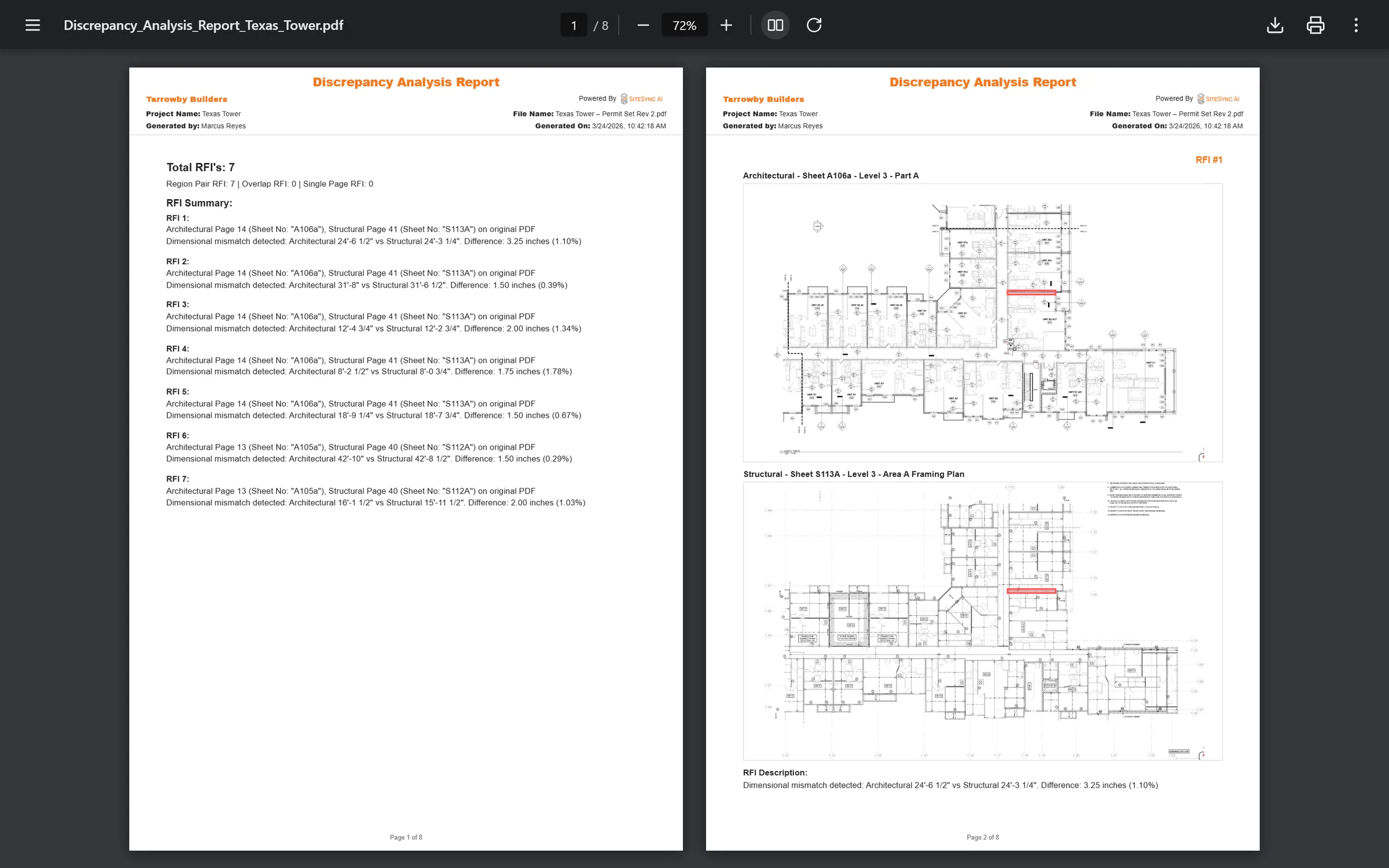
Discrepancy Analysis Report
Texas Tower · Permit Set Rev 2
7 RFIsRegion pair 7 · Overlap 0 · Single page 0
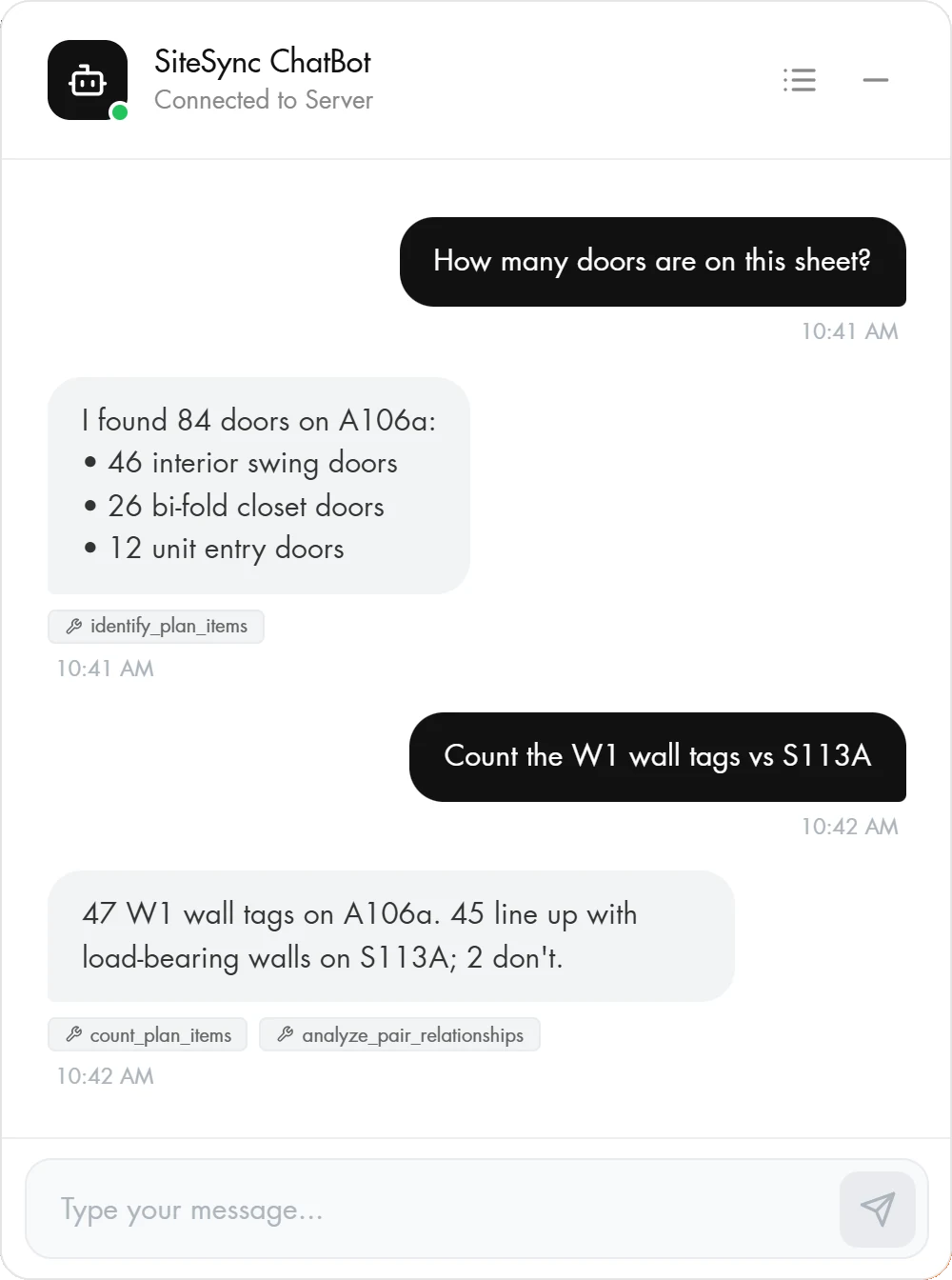
Ask about the set in plain English. How many doors are on A106a? Do the W1 wall tags line up with the load-bearing walls on S113A? The answers come from the sheets themselves.
Cross-discipline checks before you bid or build.
Create an account, then upload your PDF set to start a review.